Scripture, training
and protocol.
All in one app.
Your morning devotional, your workout log, your protocol schedule. Three
separate apps, which is exactly what makes each one feel optional. TEMPLE puts them on one
timeline, with the journal that ties the day together.
Download on the App Store
No account. No server. Nothing you enter ever leaves your phone.
Requires iOS 17 or later.
- 254exercises, every one illustrated at both ends of the movement
- 747scripture readings across thirty-eight plans, and the whole Bible
- 4pillars on one timeline: Word, Train, Protocol, Journal
- 0servers, accounts and lines of networking code
The stance
Built to be closed.
Almost every app in this category is built to maximize the time you spend
in it. This one is not. The restraint is the product, and it is enforced in the code rather
than promised in the copy.
- No streak warnings. A streak counts up while you are winning. It never nags, never counts it at you, never sends a notification.
- Nothing that nags you back. No feed, no inbox, no comparison to anyone.
- Three notifications a day, maximum. Each one switchable.
- Turn a pillar off and its tab is gone. Not dimmed. Gone.
Why it was built this way →
TEMPLE is not trying to become a habit.
It is trying to serve the
discipline you already keep.
What leaves your phone
Nothing. There is no way for it to.
Every app in this category promises privacy. But that promise lives in a
policy document, and documents get rewritten: in the next update, or by whoever owns the
app next. TEMPLE has no networking code in it. Not disabled by default.
Absent.
- Nothing to breach. No account, no password, no database of users.
- Nothing to sell. Your record is not on a server to be handed over.
- You are the export. CSV and a physician-ready PDF, made on the device.
- It works in airplane mode. All of it. Nothing waits on a network.
What that actually means →
Most apps ask you to trust them with it.
This one never has it.
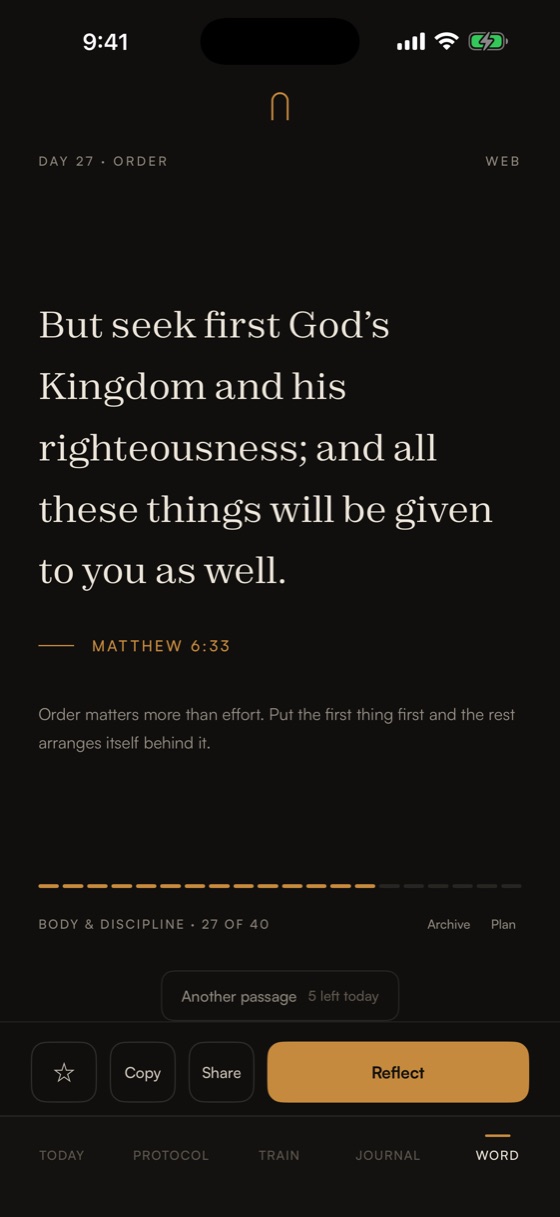
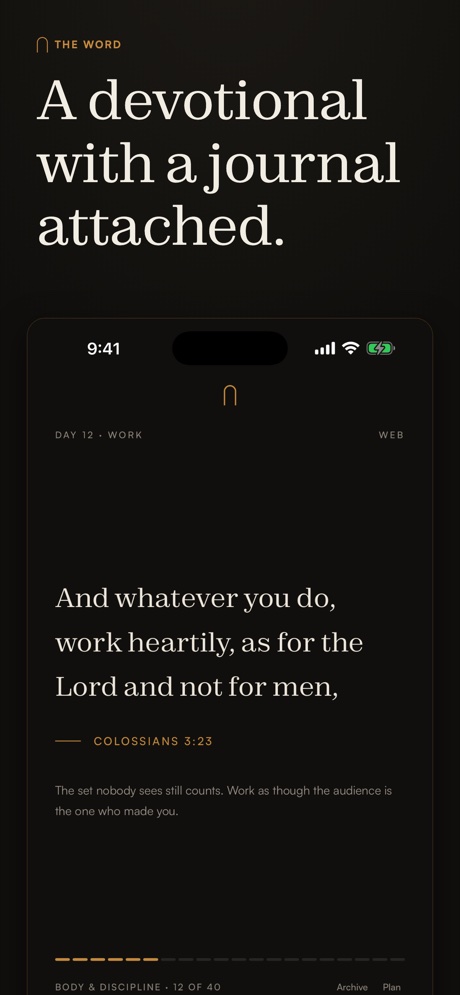
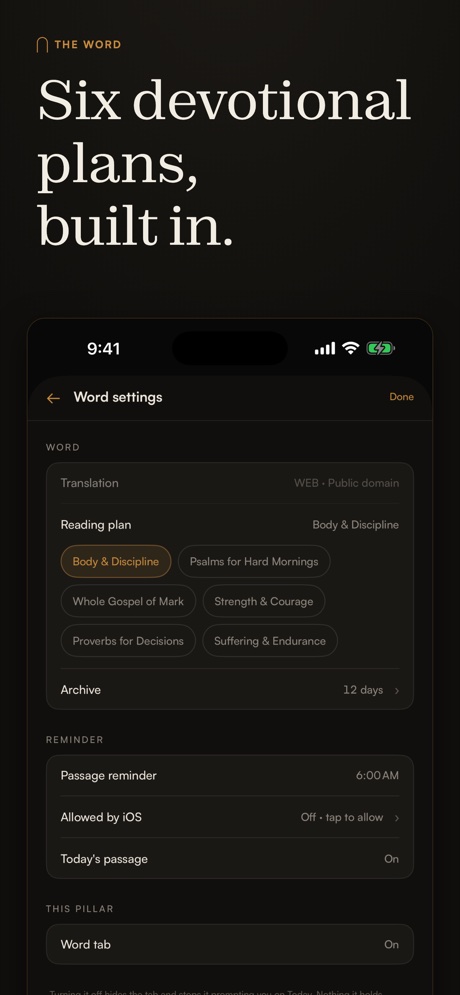
The Word
A passage each morning, given the whole screen so it is read rather than skimmed, and carried by a written
note on what it is actually saying. Thirty-eight plans and 747 readings in all: for the body, for
restraint, for marriage, grief, work, waiting, and the long stretch in the middle.
Five skips a day, enough to find something that fits, not enough to shop until the text
stops asking anything of you. Favorite what lands and reflect on it in the same tap.
New plans arrive with app updates, so the reading does not run out. The library grows
with the app rather than staying where it started.
How The Word was built →
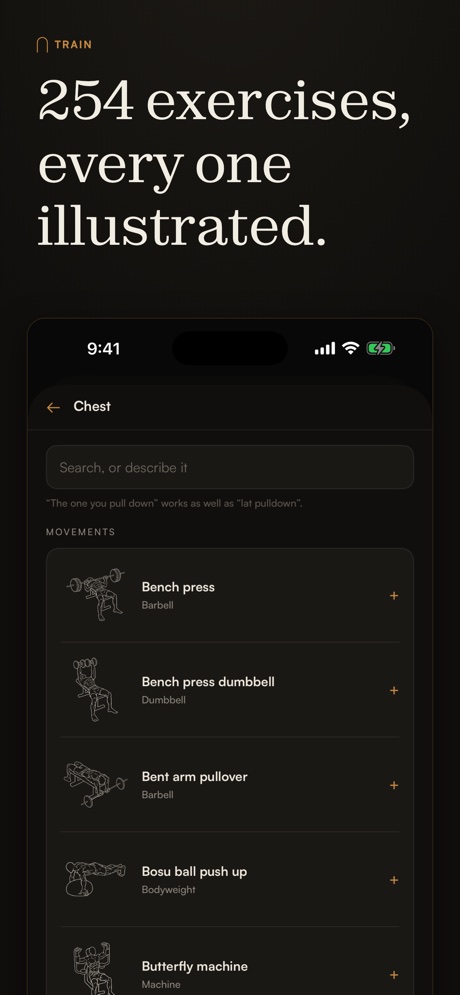
Train
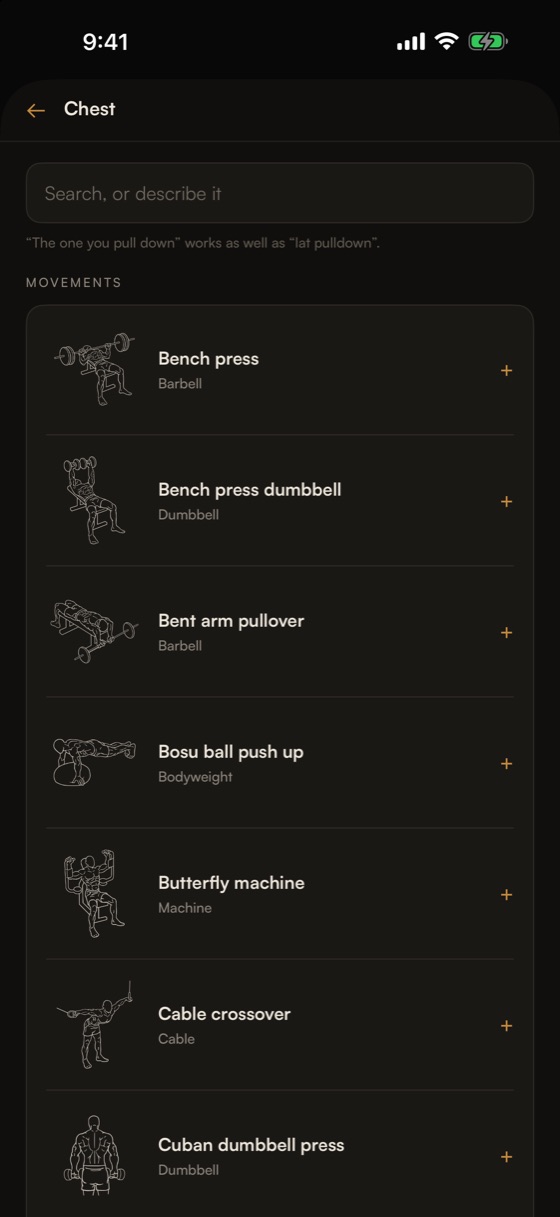
Each movement is drawn twice, at the start and at the finish, so you can see the
exercise instead of guessing at it from a name. Tap any picture for it full size.
Find one without knowing what it is called: point at the part of the body it works, or
describe it in your own words. Then build the week. Start from an ordinary split, full
body, upper/lower, push/pull/legs, or from nothing at all, and rename and cut it until it
is yours.
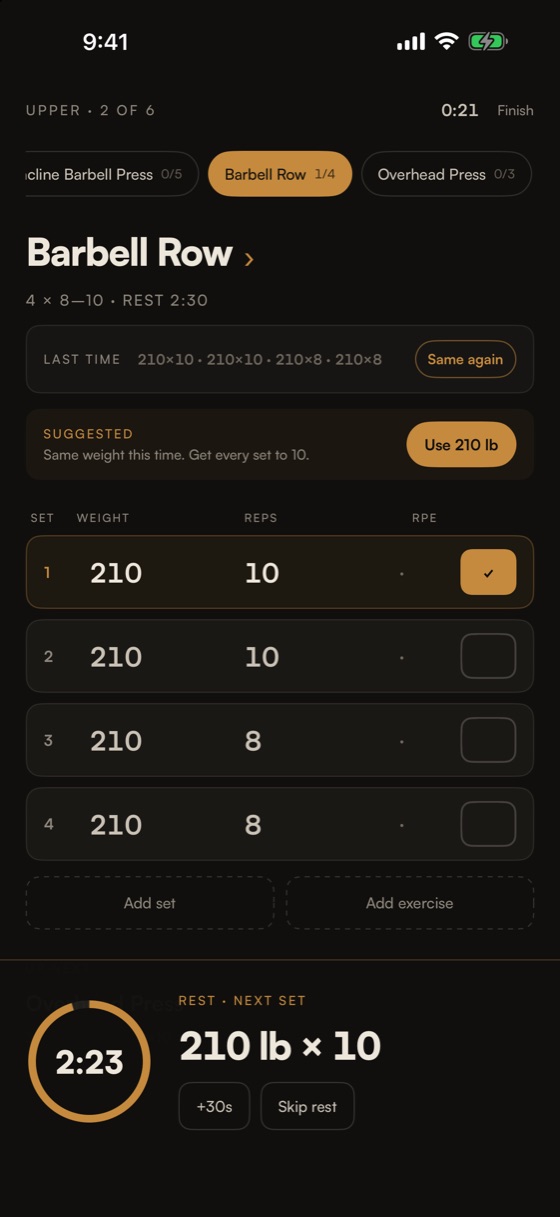
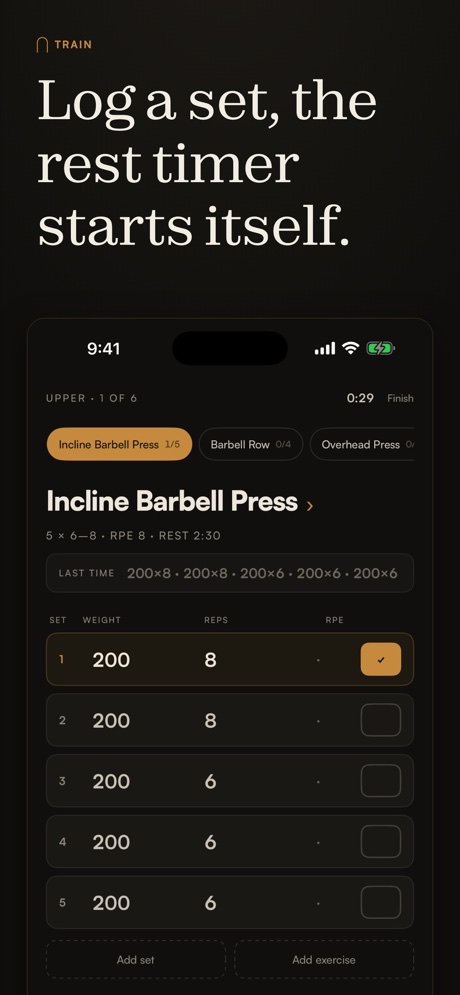
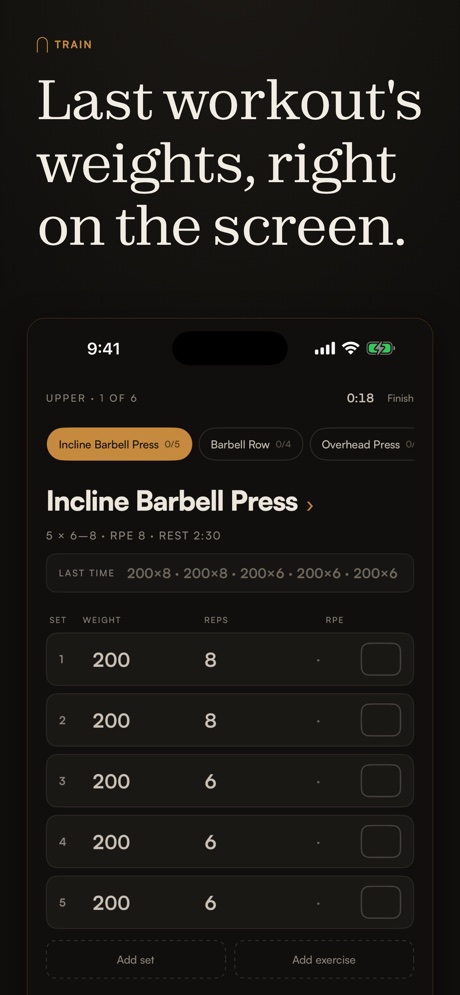
Mid-set, what you did last time sits ghosted behind the target, so what you have to beat
is unmissable. The rest timer takes over the moment a set is done and counts you back in on
your wrist. Lock the phone and log the next set from the Live Activity. A whole session,
one thumb.
Runs beside Apple's Workout app rather than against it.
How Train was built →
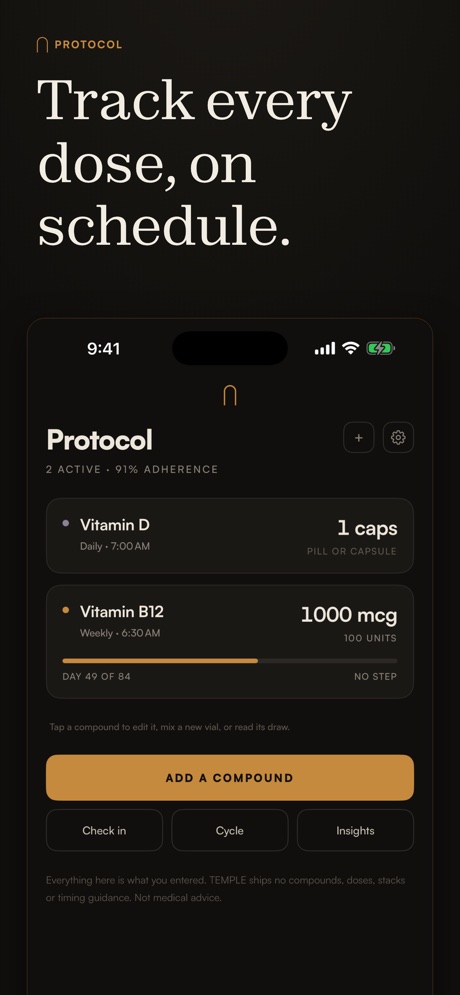
Protocol
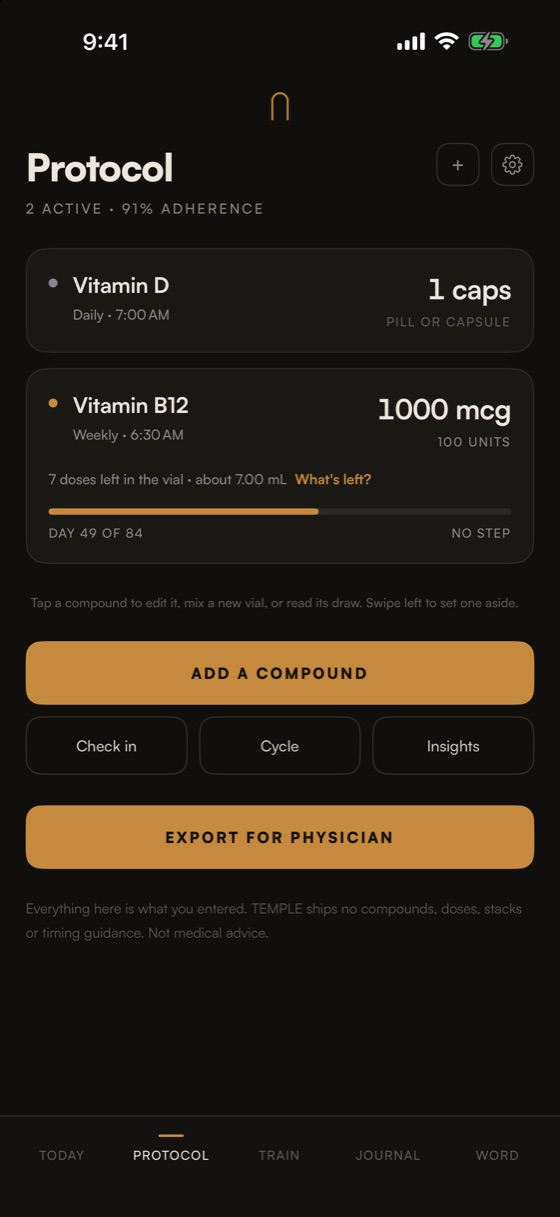
For anyone keeping a physician-directed protocol. Enter a dose the way it was prescribed,
as a mass or as units on the syringe, and TEMPLE does the arithmetic and marks the measure on a drawing of the syringe,
so the number on the screen can be checked against the object in your hand. Reconstitution
shows its working, using your numbers.
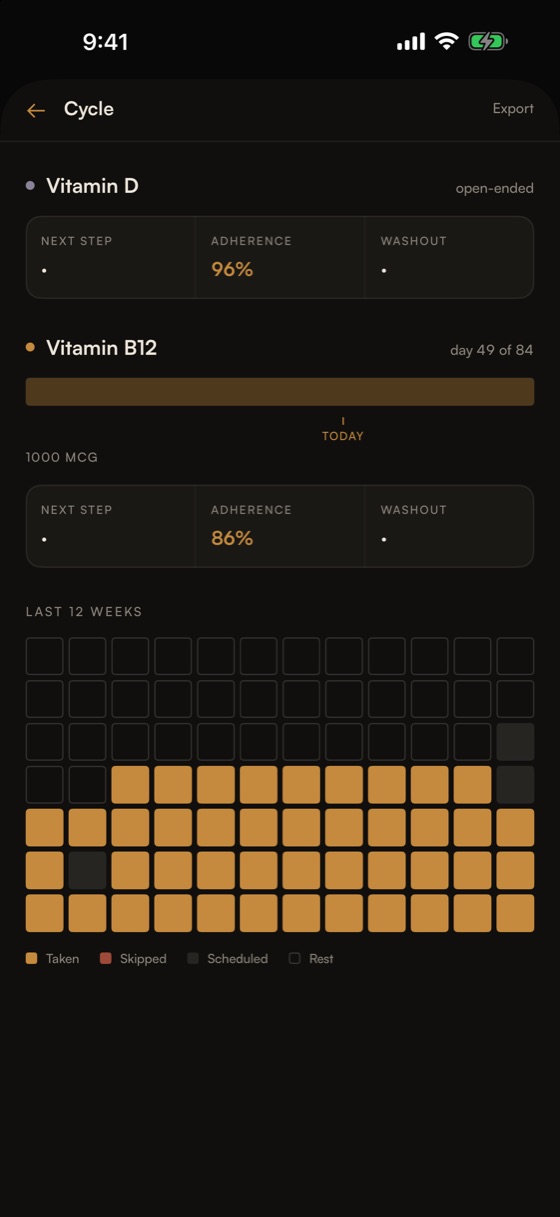
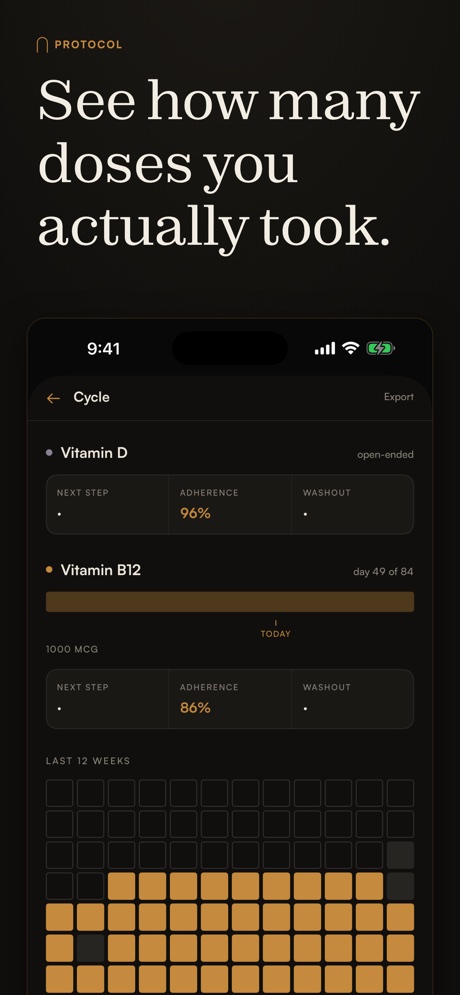
A cycle timeline and a heatmap of the whole run, anything from a single week to a
full year, so where you are in it is one glance. Plus the warnings that matter: a
result falling between two markings says so.
The library ships empty and stays empty. No compounds, no suggested doses,
no lists. That is a decision, not a gap.
How Protocol was built →
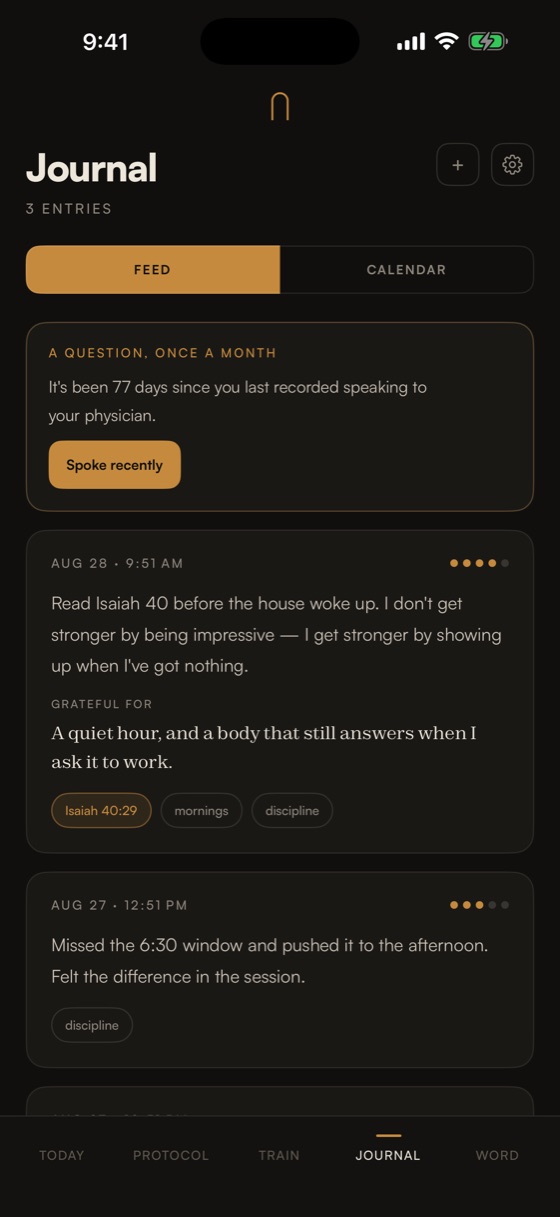
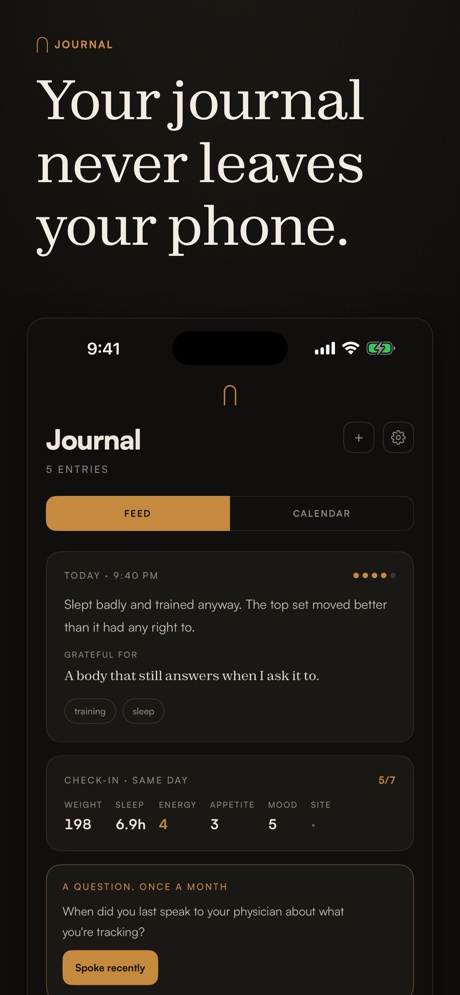
Journal
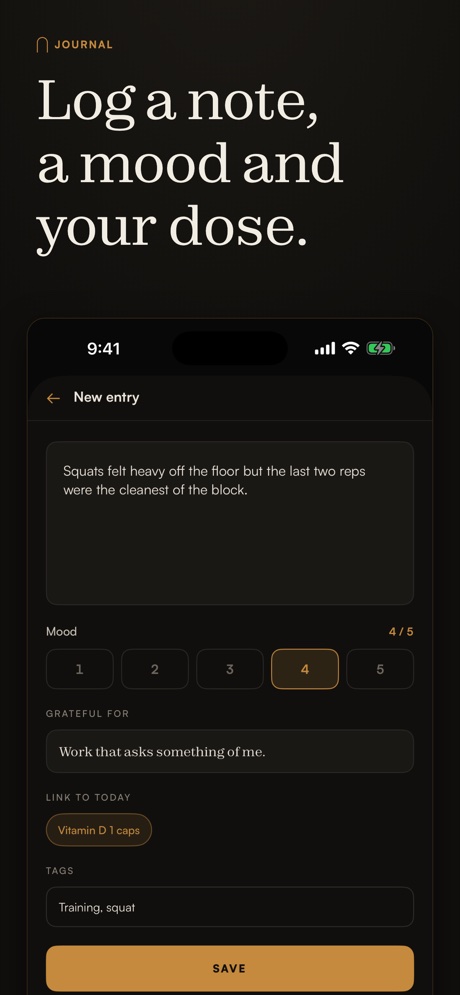
Mood, gratitude and tags, with entries that link back to the verse, the session or the
dose behind them, so a day reads as a single record instead of four disconnected logs.
Lockable behind Face ID, which re-arms when the app goes to the background rather than
staying open once you have unlocked it.
Export writes a CSV of every row and a paginated PDF summary written for a
physician.
How Journal was built →
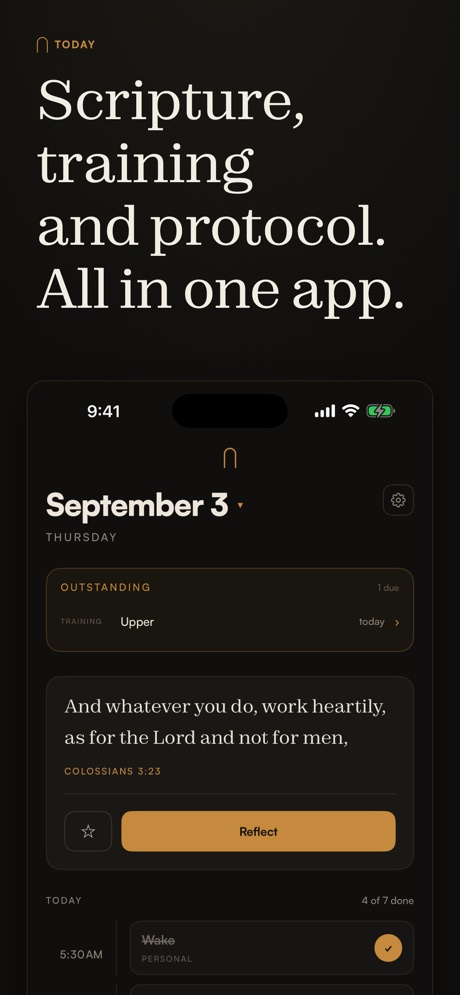
Today
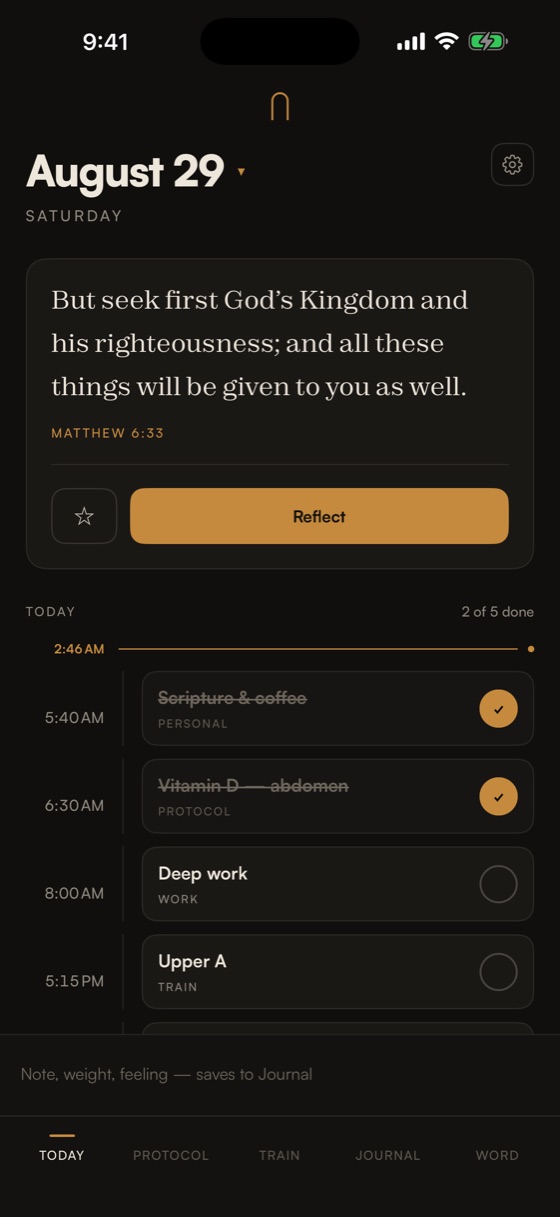
The day on one line.
Scripture, work, training and rest on a single timeline, with a line cutting
across at the current hour. What is done dims and strikes through. What is past due says so
quietly, once. This is where the argument becomes visible: the verse, the dose and the session
share a line because they share a day.
The app
Ten screens, in order.
The same ten panels that run on the App Store listing, at the size they
were designed for. Word, Train, Protocol and Journal get equal room, because the app gives
them equal room.
Scroll sideways, or use the arrow keys.
New in 1.1
Training, rebuilt.
The training pillar was the thinnest part of 1.0. It is not any
more. Everything else in the app stayed where it was, which is the point: the release
fixes one thing properly rather than touching everything a little.
Download on the App Store
- Every exercise is illustrated. 254 of them, drawn at the start and
the finish of the movement rather than named and left to you.
- Find one without knowing its name. Point at the part of the body it
works, or describe it in your own words.
- Build any program you want. Start from an ordinary split or from
nothing, then rename, reorder and cut until the week is yours.
- The rest timer starts itself. Log a set and it takes over, on the
lock screen, in the Dynamic Island and on your wrist.
- The program screen is its days. Everything else is one tap down
instead of buried in a settings tree.
Reach
One app, every screen.
iPhone
The primary experience. iOS 17 and later.
iPad
A genuine three-column layout: sidebar, the day, and the Word beside it. Not a stretched phone app.
Apple Watch
Four verbs and nothing else: glance, dose, rest, verse.
Widgets
Today, Verse and The Day, plus lock-screen circular, rectangular and inline.
Live Activity
The rest timer on the lock screen and in the Dynamic Island, loggable without unlocking.
Apple Health
Optional and off until you switch it on. Reads weight and resting heart rate, writes finished sessions.
TEMPLE is a personal logging tool. It is not medical advice, and it
recommends nothing. Dosing decisions belong with your physician.
Or don't you know that your body is a temple of the Holy Spirit who is in
you?
1 Corinthians 6:19